Creating printable forms can be a fun and rewarding task. Whether for personal use or business needs, having a well-designed form can streamline processes and enhance communication. Let’s explore how to make your forms effective and user-friendly.
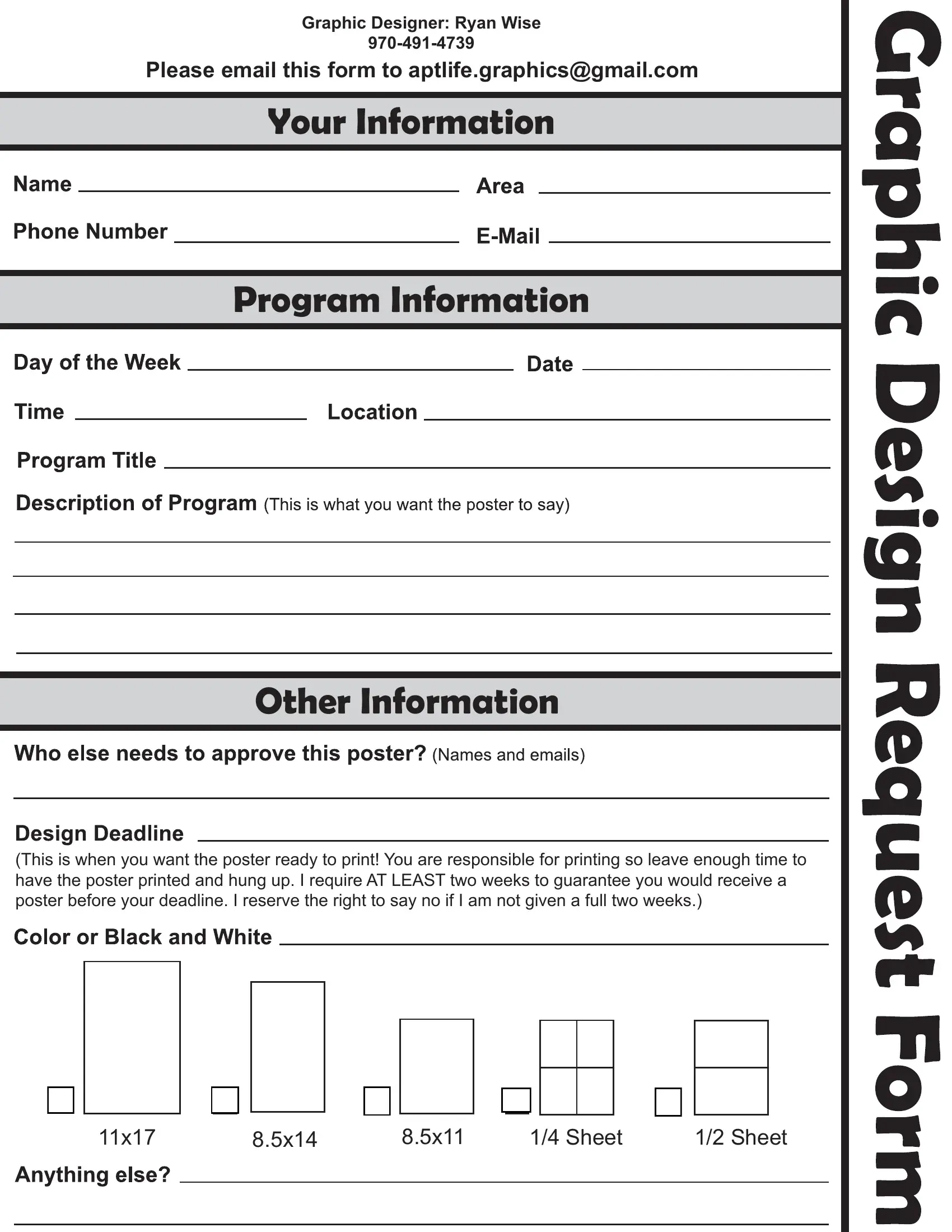
How To Design Printable Form
How To Design Printable Form
Start by determining the purpose of your form. Knowing what information you need will guide your design choices. Keep it simple and focused to avoid overwhelming users with unnecessary fields.
Next, choose a clean layout. Use clear headings and logical sections to organize content. This helps users navigate the form easily, ensuring they provide all required information without confusion.
Incorporate visual elements like checkboxes and radio buttons for easy selection. These features enhance user experience and make the form more interactive. Remember to leave enough space between elements for clarity.
Finally, test your form before distribution. Ensure all fields function correctly and that it prints well on different paper sizes. A well-tested form will save you time and frustration in the long run.
Designing printable forms doesn’t have to be complicated. With a clear purpose, organized layout, and user-friendly features, you can create effective forms that meet your needs effortlessly.
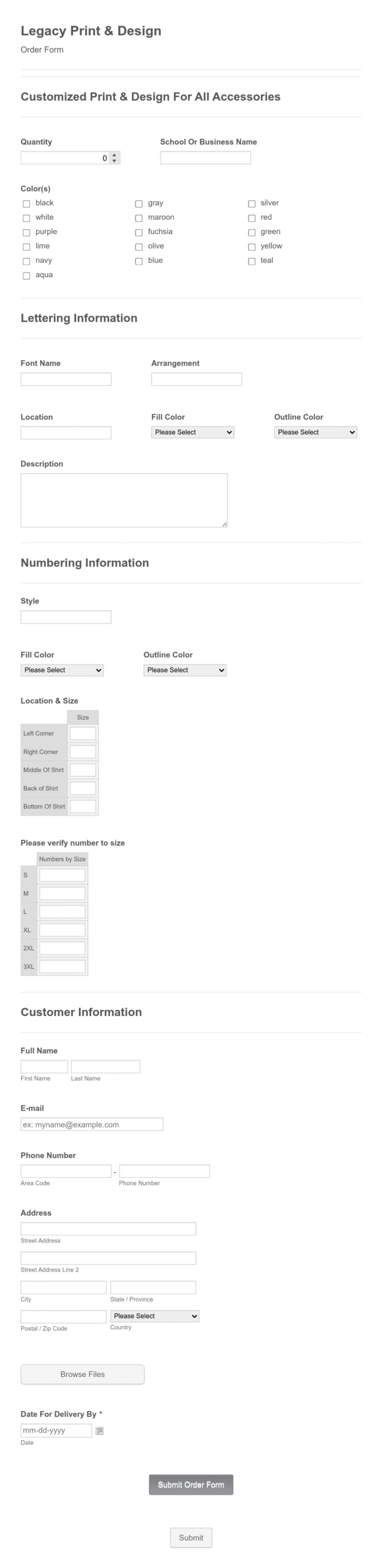
Print amp Design Order Form Template Jotform
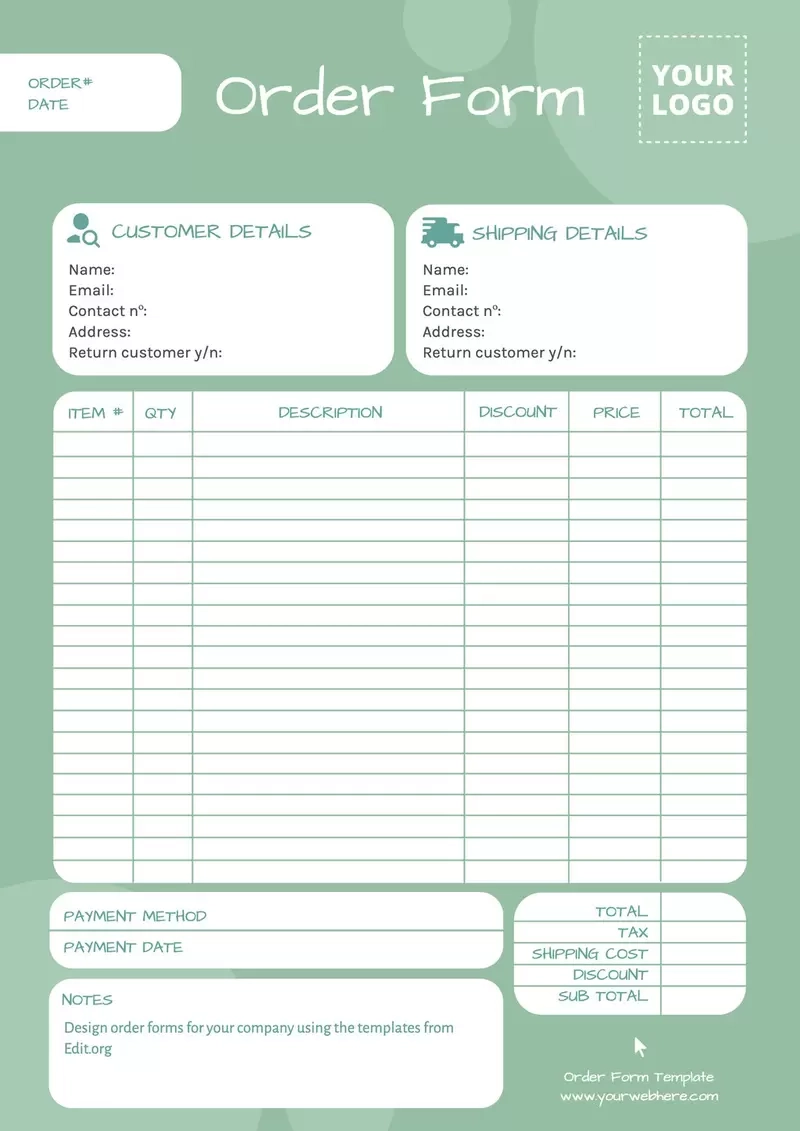
Printable Order Form Templates
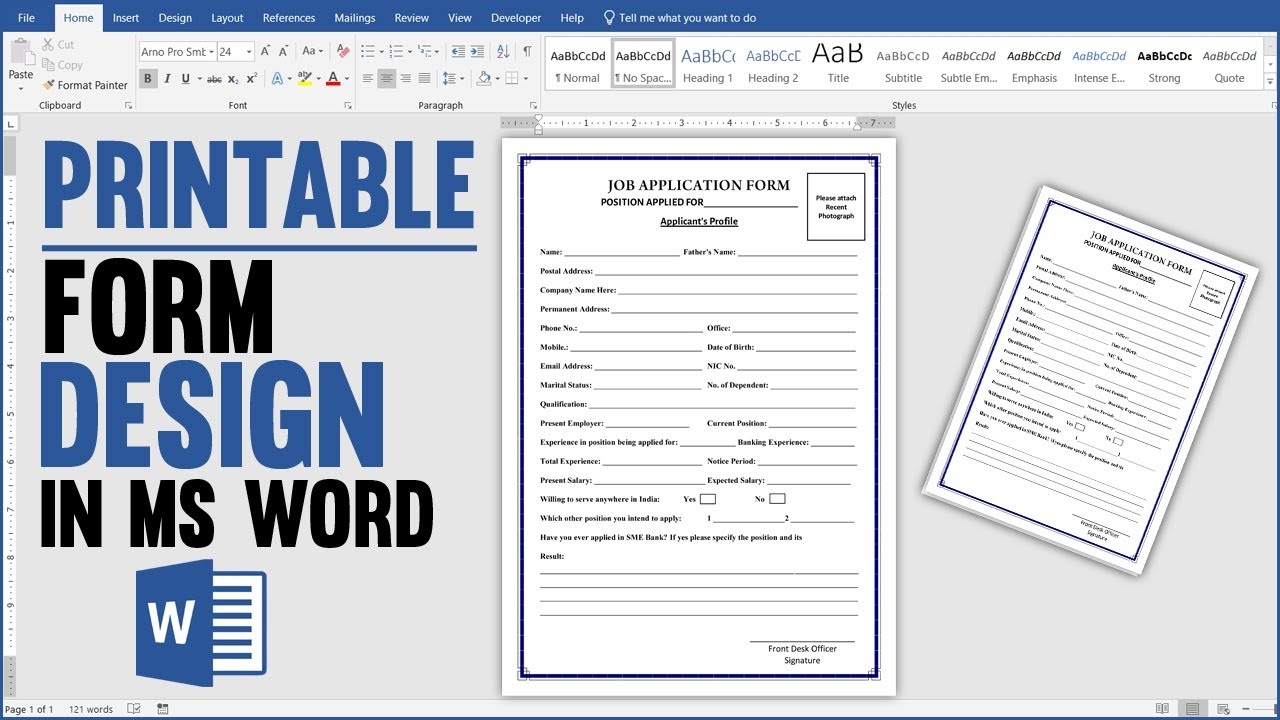
Printable Form Design In Microsoft Office Word Simple amp Useful Form Design In Ms Word
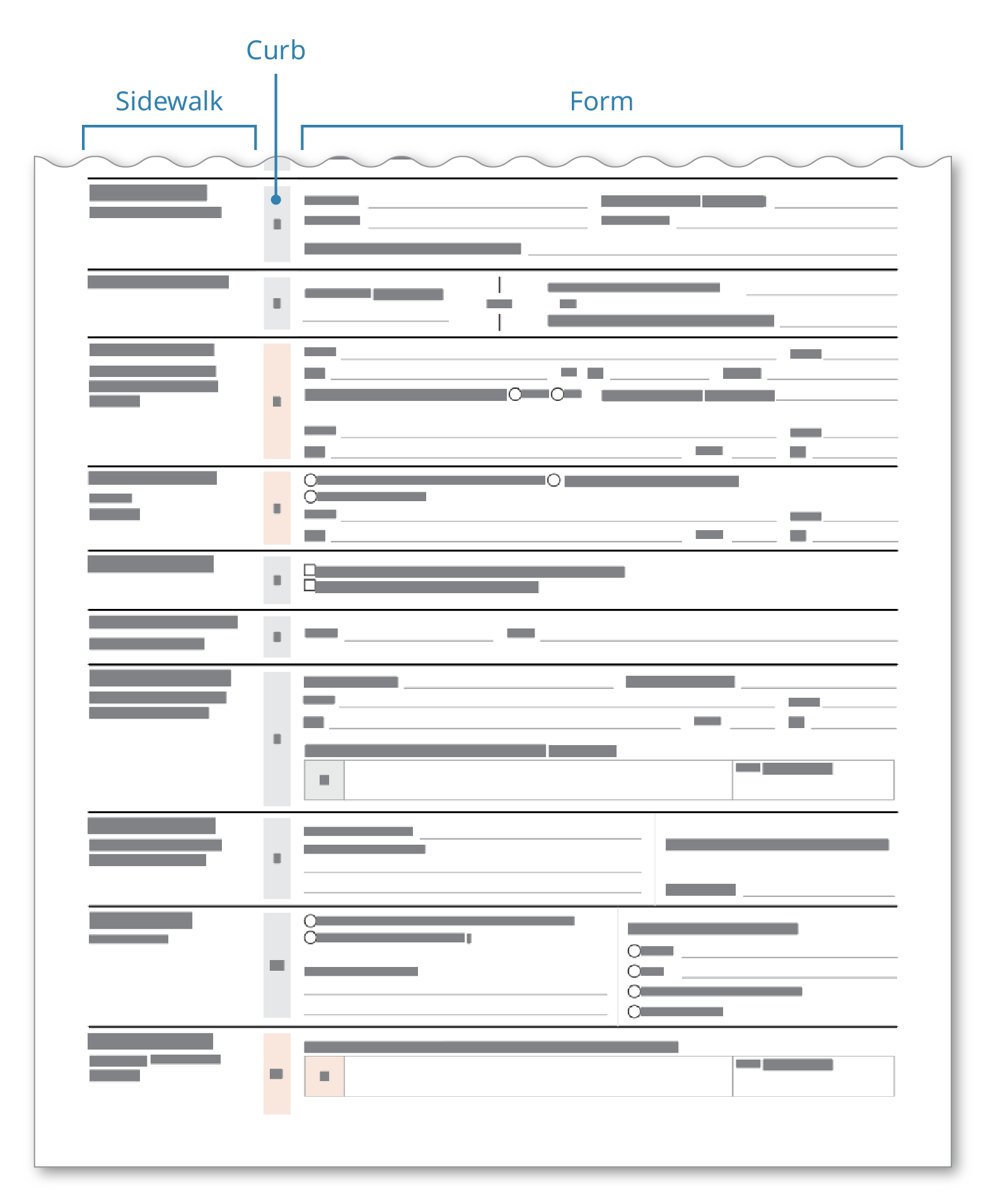
Creating Accessible Forms For Print PDF Center For Civic
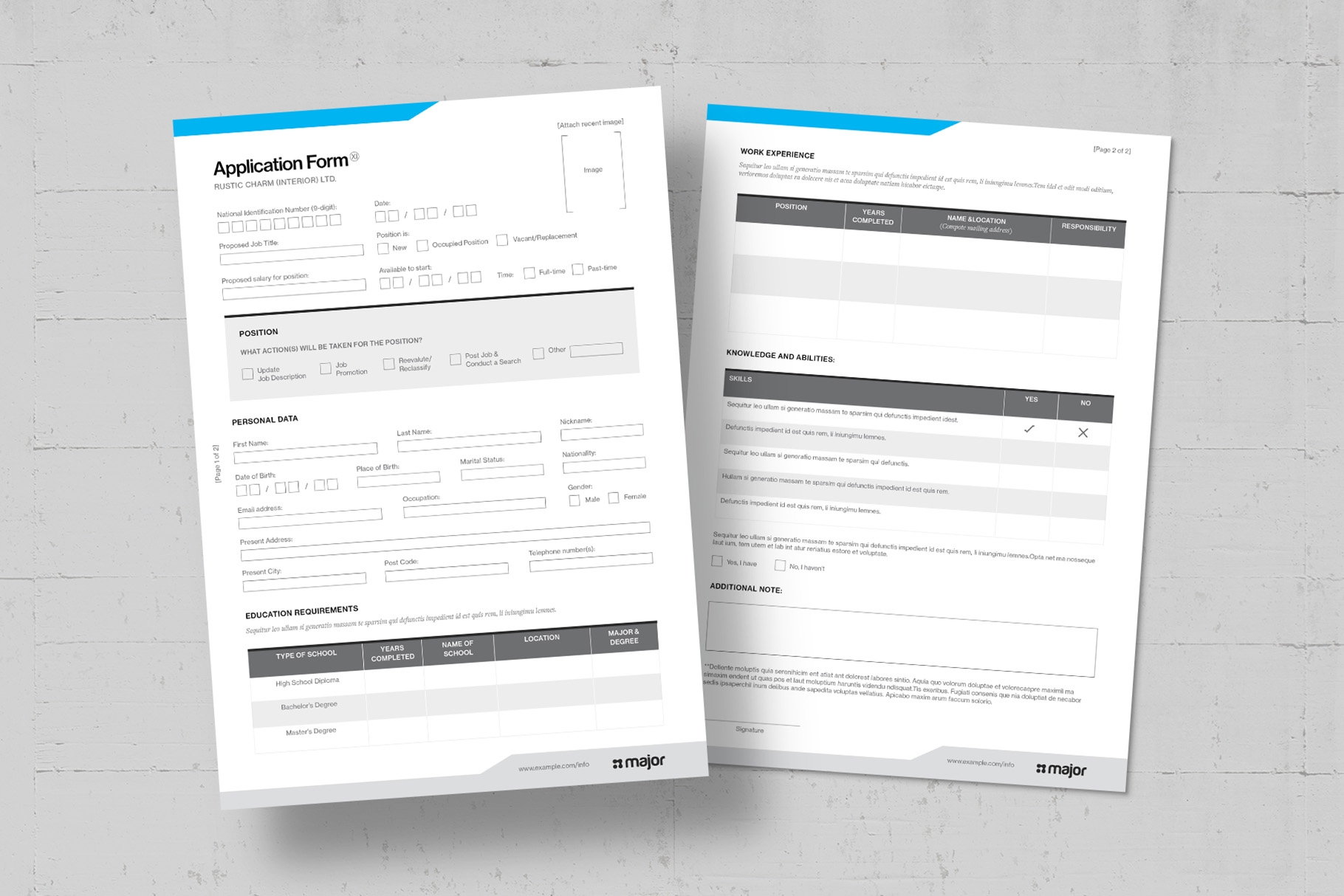
Application Form Template BrandPacks